
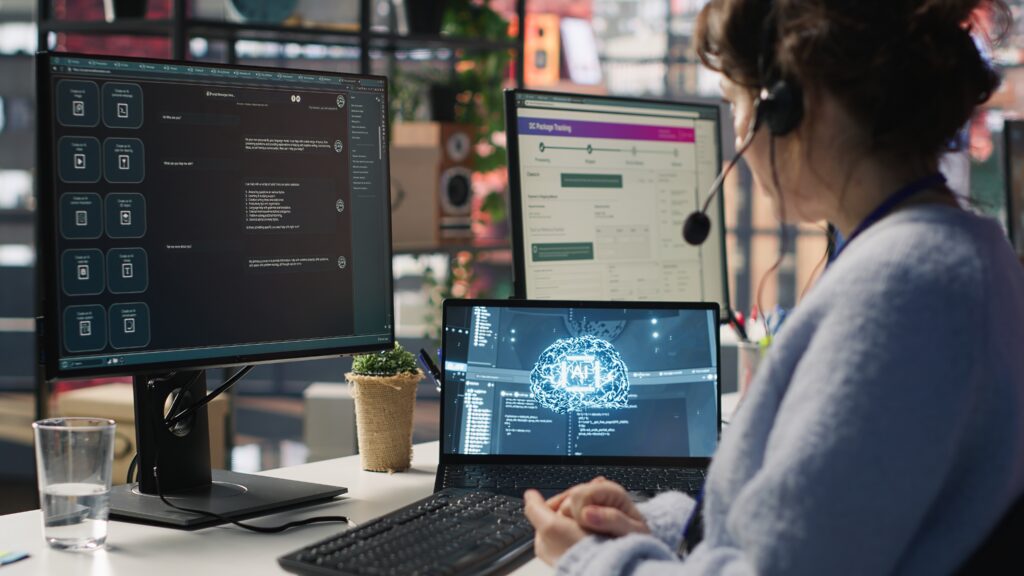
Automation and no code tools are helping freelancers simplify their daily workflows and reduce manual work. Managing multiple tasks, clients, and communication can take a lot of time when everything is done manually.
These tools allow freelancers to automate repetitive processes without needing coding knowledge. This makes it easier to handle work efficiently and stay organized.
In this guide, we will explore simple automation ideas using automation and no code tools that freelancers can apply in their daily work.
Why Automation Matters
Freelancers often repeat similar tasks every day, such as sending emails, updating data, and managing workflows. These tasks take time and reduce overall productivity.
Automation and no code tools help eliminate repetitive work by creating systems that run automatically.
Automating Email Responses
Email communication is a regular part of freelance work. Instead of writing similar responses repeatedly, freelancers can automate basic replies.
Tools like Zapier can be used to create workflows that trigger email responses based on specific actions.
This saves time and ensures consistent communication.
Connecting Apps and Workflows
Automation and no code tools allow freelancers to connect different applications and create smooth workflows.
Make helps automate processes by connecting multiple tools and creating visual workflows.
This reduces the need to switch between apps and handle tasks manually.
Automating Task Management
Managing tasks becomes easier with automation. Tasks can be created, updated, and tracked automatically.
Tools like Notion can be combined with automation tools to manage projects efficiently.
This helps keep everything organized in one place.
Using AI with Automation
Automation and no code tools can be combined with AI tools to improve workflows further.
For example, ChatGPT can generate content or responses, while automation tools handle the process of sending or organizing that content.
This creates a powerful system that saves time and effort.
Reducing Manual Data Entry
Data entry is another repetitive task that can be automated. Automation tools can move data between platforms without manual input.
This improves accuracy and reduces time spent on routine work.
Creating Simple Workflows
Freelancers do not need complex systems to start with automation. Simple workflows such as task updates, email triggers, and reminders can make a big difference.
Starting small and improving gradually is the best approach.
Benefits of Automation and No Code Tools
Automation and no code tools help freelancers save time, improve efficiency, and reduce errors. They simplify workflows and make daily work more manageable.
This allows freelancers to focus on important tasks instead of repetitive work.
Choosing the Right Tools
There are many tools available, but it is important to select the ones that fit your workflow. Start with basic automation and expand as needed.
The goal is to simplify work, not create unnecessary complexity.
Final Thoughts
Automation and no code tools provide a simple way for freelancers to improve productivity and manage workflows efficiently.
By using the right tools and creating basic systems, freelancers can reduce manual work and focus on delivering better results.